Avoiding Common Pitfalls: The Biggest Mistakes Businesses Make With File Storage
- John Anderson

- Mar 10
- 3 min read
File storage is a critical part of any business operation. When done right, it keeps data safe, accessible, and organized. When done wrong, it can lead to lost files, security breaches, and wasted time. Many businesses make avoidable mistakes that cause serious problems down the line. This post highlights the biggest errors companies make with file storage and offers practical advice to avoid them.

Ignoring the Importance of a Clear File Structure
One of the most common mistakes is failing to create a clear, consistent file structure. Without a logical system, employees waste time searching for documents. This slows down workflows and increases frustration.
How to fix it:
Develop a simple folder hierarchy based on departments, projects, or clients.
Use clear, descriptive folder and file names.
Avoid deep nesting of folders; keep it shallow for easy navigation.
Train staff on the naming conventions and folder structure.
For example, a marketing team might organize files by campaign, then by asset type (images, copy, reports). This makes it easy to find the right file quickly.
Overlooking Data Security and Backup
Many businesses underestimate the risks of data loss or theft. Storing files without proper security measures exposes sensitive information to hackers or accidental deletion.
Key steps to improve security:
Use encrypted storage solutions.
Set strong access controls and permissions.
Regularly back up files to multiple locations, including offsite or cloud backups.
Update software and security protocols frequently.
A small retail company once lost months of sales data due to a ransomware attack. They had no backup, which caused major disruptions. Regular backups and security updates could have prevented this.
Relying on Local Storage Only
Storing files only on local computers or servers limits accessibility and increases risk. If a device fails or is stolen, files can be lost permanently.
Cloud storage offers a safer alternative. It allows access from anywhere, supports collaboration, and often includes automatic backups.
Tips for using cloud storage:
Choose a reputable provider with strong security.
Set clear policies on who can upload, edit, or delete files.
Use cloud storage alongside local backups for extra protection.
Failing to Manage File Versions
Without version control, teams can accidentally overwrite important documents or work on outdated files. This leads to confusion and errors.
To avoid this:
Use software that tracks file versions automatically.
Encourage employees to save new versions rather than overwriting.
Keep a clear record of changes and who made them.
For example, a design agency using version control software can easily revert to previous drafts if needed, saving time and preventing mistakes.
Neglecting Regular File Audits and Cleanup
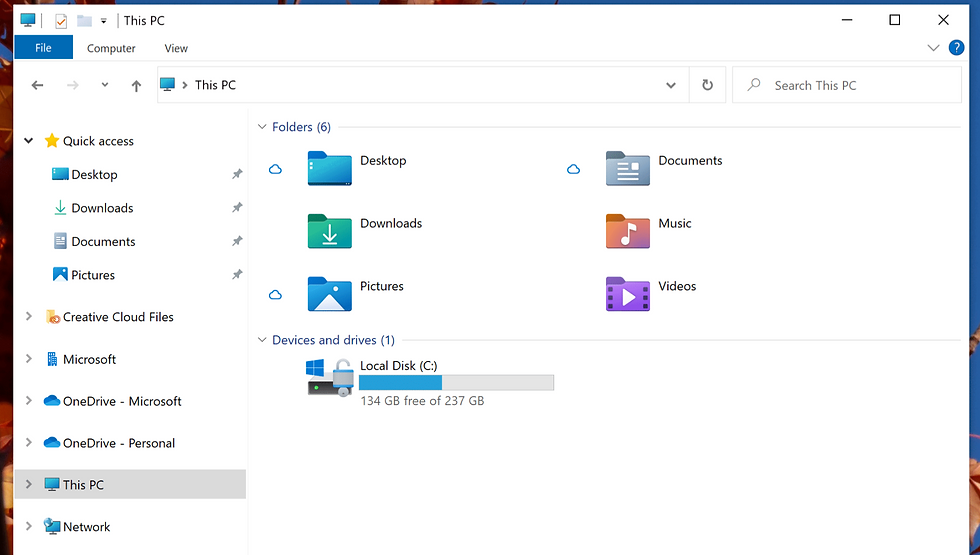
Over time, file storage can become cluttered with outdated or duplicate files. This wastes storage space and makes it harder to find current documents.
Schedule regular audits to:
Delete or archive old files.
Remove duplicates.
Update file organization as business needs change.
A nonprofit organization found that cleaning up their file storage reduced their cloud costs by 30% and improved team efficiency.
Not Training Employees on File Storage Best Practices
Even the best system fails if employees don’t understand how to use it. Lack of training leads to inconsistent file naming, misplaced files, and security risks.
Provide clear guidelines and training sessions on:
File naming conventions.
Folder structure.
Security protocols.
Backup procedures.
Make training part of onboarding and offer refresher courses regularly.
Overcomplicating the File Storage System
Some businesses try to build overly complex file storage systems with too many folders or strict rules. This can confuse users and reduce compliance.
Keep the system simple and flexible. Focus on usability and clarity rather than rigid structures.


Comments